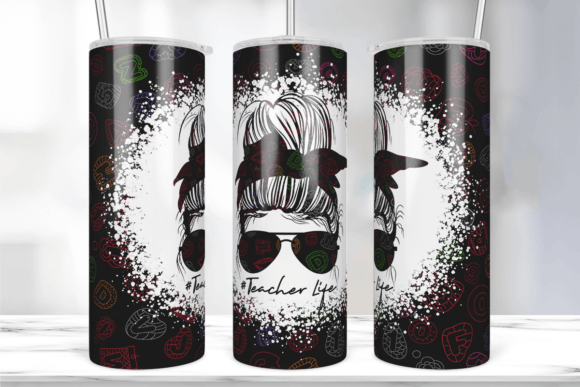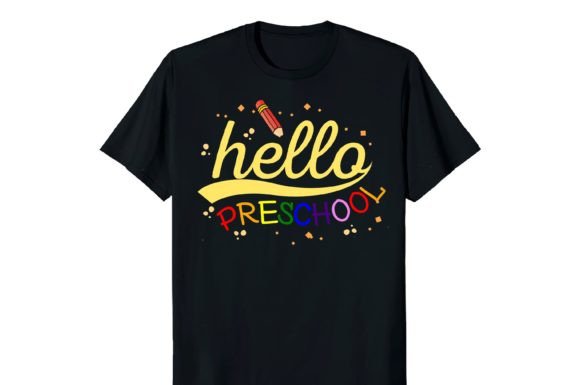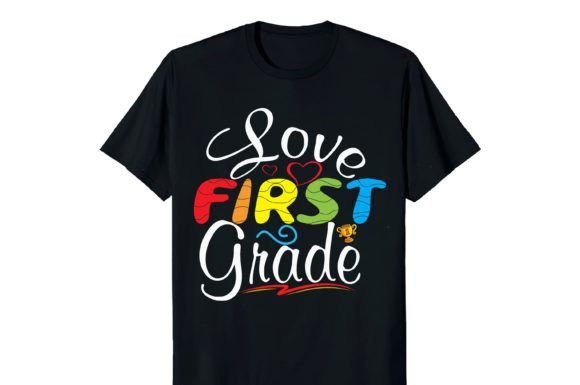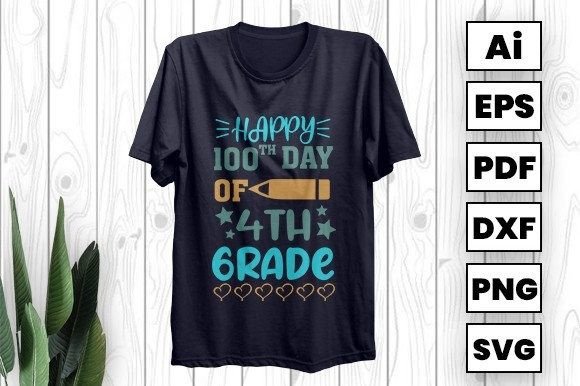
Best Teacher Ever T-shirt Design
Whether you're celebrating a beloved educator, launching a school spirit campaign, or creating custom merch for Back to School season, the Best Teacher Ever T-shirt Design offers a warm, universally resonant message—delivered with clean visual appeal and versatile production readiness. Designed thoughtfully for real-world use—not just aesthetics—it’s built to scale across fabric, vinyl, paper, and digital projects without losing clarity or charm.
Why This Design Fits Real Needs (Not Just Trends)
This isn’t just another clipart-style phrase slapped onto a template. The Best Teacher Ever T-shirt Design comes in AI, EPS, SVG, and high-res PNG formats—meaning it adapts seamlessly whether you’re cutting heat-transfer vinyl on a Cricut, sublimating onto polyester tees, layering into a scrapbook layout, or prepping printable invitations for a teacher appreciation luncheon. Its vector foundation ensures crisp edges at any size, while the layered, editable AI file gives designers full control over fonts, spacing, color fills, and even icon integration—no guesswork, no pixelation.
Mistake #1: Assuming “Print-Ready” Means “Plug-and-Play”
Many buyers unzip the folder, open the PNG, and try printing directly—only to find blurry edges on shirts or jagged cuts on vinyl. PNGs are great for mockups or web use, but they’re raster files. For sharp iron-ons or clean cut lines, you need vectors (AI/EPS/SVG). Solution: Always start with the AI or SVG version when prepping for physical output. Use the PNG only for previews, social media posts, or digital cards.
Mistake #2: Overlooking Color Mode and Transparency
If you’re sublimating or screen-printing, RGB vs. CMYK matters—and so does background transparency. Some users accidentally print the design with a white box behind it, ruining the look on light-colored apparel or clear stickers. Others convert RGB files to CMYK without adjusting saturation, leading to duller reds or washed-out yellows. Solution: Check your design software’s color settings before exporting. For sublimation, keep it RGB; for professional screen printing, consult your printer about preferred profiles. And always verify the SVG/AI file has no hidden background layers—delete or lock them intentionally.
Mistake #3: Skipping the “Test Cut” or “Test Print” Step
Even with perfect files, material thickness, blade depth, ink density, and press time vary. A design that cuts cleanly on 651 vinyl may snag on glitter film. A sublimation transfer that looks vibrant on a test tile might mute on 100% polyester blends. Solution: Run one small-scale test first—on the same material and machine you’ll use for the final batch. Adjust pressure, temperature, or bleed settings as needed. It saves time, ink, and reputation.
Mistake #4: Ignoring Contextual Fit
A bold, playful font works beautifully on a youth camp T-shirt—but may feel out of place on an elegant thank-you card for a retiring principal. Likewise, oversized graphics overwhelm pocket-sized stickers or enamel pin templates. Solution: Ask yourself: *Who is receiving this? Where will it be seen? What emotion should it carry?* Then scale, simplify, or refine accordingly. The AI file makes this easy—you can isolate elements, reduce stroke weight, or swap fonts in minutes.
What to Verify Before You Use or Share the Design
- File integrity: Open each format (AI, EPS, SVG, PNG) in its native software to confirm layers, text conversion, and embedded fonts aren’t corrupted.
- Licensing clarity: This design is intended for personal and commercial use—including resale on physical products—but not for reselling the digital file itself. Keep your usage aligned with standard POD and craft-business terms.
- Design balance: Zoom in at 200%. Are strokes consistent? Do curves flow smoothly? Does spacing between “Best,” “Teacher,” and “Ever” feel intentional—not cramped or awkward?
- Scalability test: Stretch the SVG to 24 inches wide. Does it stay sharp? Does any element collapse or misalign? If yes, revisit the AI file and ungroup or re-anchor objects.
Better Ways to Use This Design—Beyond the Obvious
Yes, it shines on cotton tees—but its real strength lies in flexibility. Try these practical applications:
- Classroom decor: Resize the SVG to fit a 24"x36" poster, then print on matte photo paper and mount on foam board. Add student-drawn stars or handwritten notes around the border.
- Digital teaching kits: Drop the PNG into Canva or Google Slides to create printable reward certificates—just add editable fields for names and dates.
- Vinyl wall decals: Mirror the design in your cutting software, then apply to classroom doors or library windows using removable adhesive vinyl.
- Engraved keepsakes: Import the AI into LightBurn or RDWorks. Simplify paths if needed, then engrave onto wood coasters or acrylic keychains for end-of-year gifts.
A Note From Our Team in Bangladesh
We’re not just file vendors—we’re makers who’ve spent years troubleshooting real production hurdles: inconsistent DPI exports, missing Pantone swatches, non-embedded fonts, and SVGs that break in Silhouette Studio. That’s why every Best Teacher Ever T-shirt Design we release is tested across five platforms (Cricut Design Space, Silhouette Studio, Adobe Illustrator, CorelDRAW, and Inkscape) and validated on three fabric types (cotton, polyester, and tri-blend). We add subtle kerning adjustments, outline strokes where needed, and include both full-color and single-color versions—so you spend less time fixing and more time creating.
New designs drop weekly—each crafted with the same attention to technical reliability and emotional resonance. Whether you're a solo educator designing your own appreciation bundle, a small-batch entrepreneur building a school-themed shop, or a marketing coordinator supporting district-wide initiatives, you’ll find usable, respectful, and genuinely helpful assets here—no upsells, no locked layers, no surprises.
Stay connected—not for hype, but for consistency.